Sizes for common platforms
From 1280 × 720 thumbnails to 1080 × 1920 stories.
For creators
Right-size thumbnails with bold type and layers, in your browser or on desktop.
Thumbnails
From 1280 × 720 thumbnails to 1080 × 1920 stories.
Bend a line of type into a circle badge.
Stack stroke, glow, extrude and shadows.
10 groups of ready-made effect stacks.
Put a photo inside text or a shape.
Picks a readable colour from your photo.
Words, shapes and photos stay as layers.
2560 × 1440 with device guides.
PNG, JPG, WebP, SVG, PDF or layered PSD.
1280 × 720 pixels (16:9).
Free for personal use, with no watermark. PhotoEditR does not use accounts. Business, client or paid work will need a commercial licence. Licences aren’t on sale yet. A monetised channel counts as paid work.
Yes. The template library has a Video Thumbnails category, and the layered templates can be searched by name, category or text. Words, shapes and photos stay editable.
PNG for crisp text and graphics, or JPG for a smaller file.
Keep reading
Posts, stories and headers.
Stack text, photos and shapes.
Thumbnails, banners and more.
Free for personal use, no watermark. Commercial licences coming soon.
photoeditr.com — live editor Open full editor →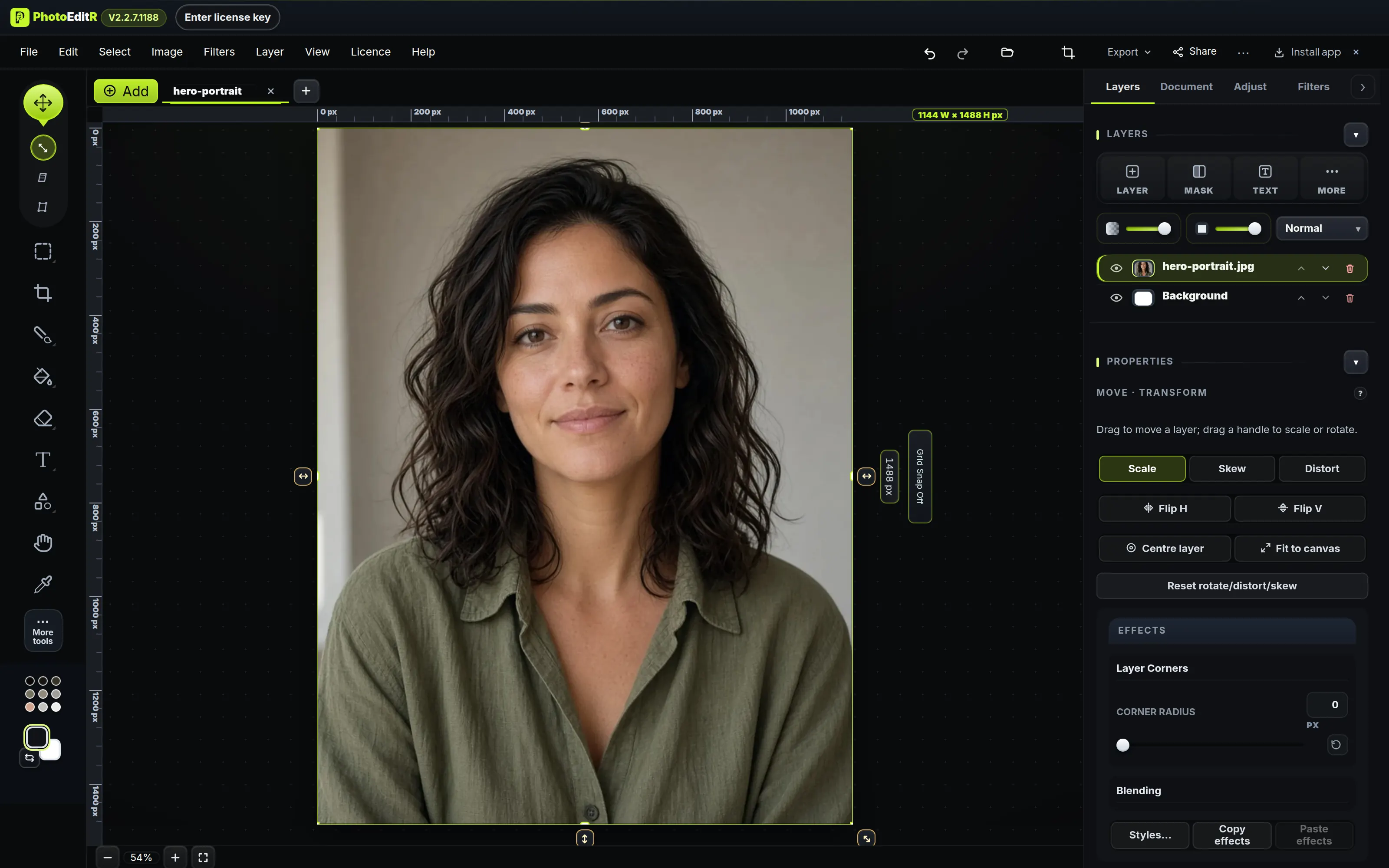
 BOLD