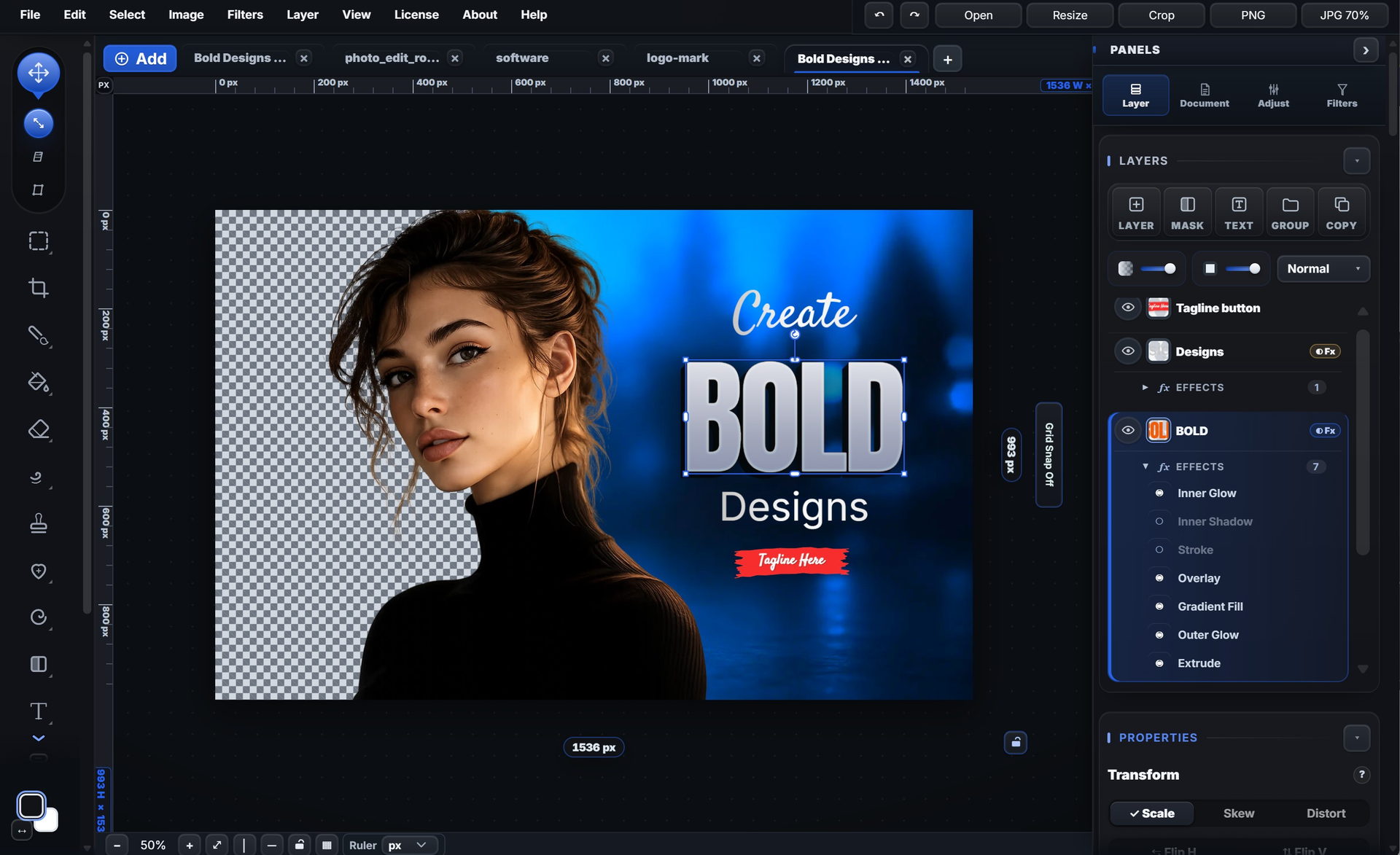
Round text & badges
Bend a line of type into a circle badge.
Running locally on your machine.
See it work
Bend a line of type into a circle badge.
10 round badge presets, from Sale to Award.
12 warp styles, or run text along a path.
Text, vertical, circle, path, paragraph and list.
Add .ttf, .otf, .woff or .woff2 fonts.
20 shapes; label, icon and gradient stay live.
Click corners, drag curves, edit points.
Unite, subtract, intersect or exclude shapes.
Badges, arrows, frames, icons and charts.
One slider takes a shape from sharp to pill.
Drag colour stops right on the canvas.
Fill text and shapes with a pattern or photo.
Up to nine colours picked from your photo.
Press I, click, and use that exact colour.
Stack stroke, glow, extrude and shadows.
Copy an effect stack to another layer.
10 groups of ready-made effect stacks.
82 font families with suggested pairs.
Picks a readable colour from your photo.
9 bullet styles, or your own SVG.
Put a photo inside text or a shape.
Drop a photo in; drag and zoom inside.
Pack layers into one object; double-click to edit.
Group layers to move, hide or style them together.
Scale, rotate, skew, distort or flip a layer.
Line layers up and even out the gaps.
Arrow keys move 1 px; hold Shift for 10 px.
Select text, shape, button or image layers in one go.
Ctrl+Shift+C copies visible layers; Ctrl+Shift+V pastes in place.
Words, shapes and photos stay as layers.
Find templates by name, category or text.
Save a design to My Templates and share it as a pack.
One click builds a fresh layout to start from.
Snap to edges, centre, guides and layers.
Rulers in px, in, cm or mm; drag guides out.
Zoom from 5% to 600%; Space-drag to pan.
2560 × 1440 with device guides.
Groups, opacity, masks and 37 blend modes.
Blend a layer with what is below it.
Paint black to hide, white to show.
Turn a selection into a mask you can edit later.
Changes on their own layer, with a mask.
Box, circle, freehand, point and smart.
Smooth, feather or shift a selection.
Turn a colour channel into a mask for fine edges.
Six brush tips; solid, gradient or pattern fill.
Click an area to fill touching pixels of a similar colour.
Width follows stroke speed; Magic Color cycles colours.
Heal and Spot sample the skin around blemishes.
Paint light and shadow back into a photo.
Push, expand, thin and restore, on a copy.
21 sliders, RGB curves and a live histogram.
Ten looks, then fine-tune with sliders.
One look on a set of photos; export a ZIP.
Blur, grain, vignette, pixelate and more.
Even out tone without losing texture.
Drag a box, press Enter.
Ctrl+E merges down; Flatten Image makes one layer.
Click a step to jump back or forward.
Keep layers, groups, masks and readable text.
PNG, JPG, WebP, SVG, PDF or layered PSD.
OpenRaster and a layered design kit, besides PSD.
Print the canvas straight from the editor.
Ctrl+S saves a one-layer photo back to its JPG, PNG or WebP where your browser allows.
Reopen your layers where you left them.
Reopen recent work from its thumbnail.
Drag in or paste a photo as a layer.
Keep up to 12 files open, each in its own tab.
Saved in your browser; restore after a crash.
Install as an app; opens offline.
Bottom-sheet panels and pinch to zoom.
Send a PNG through your phone’s share sheet.
From 1280 × 720 thumbnails to 1080 × 1920 stories.
Ratio presets and a size lock.
Ctrl+K, type, Enter.
V, B, T, P, K and more.
Accent colour, backdrop, large controls.
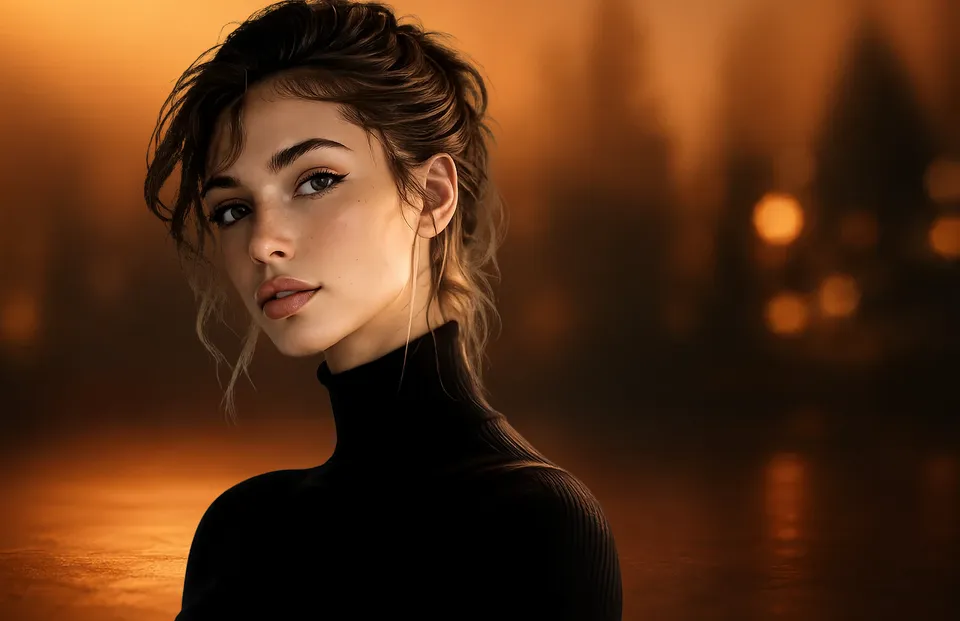
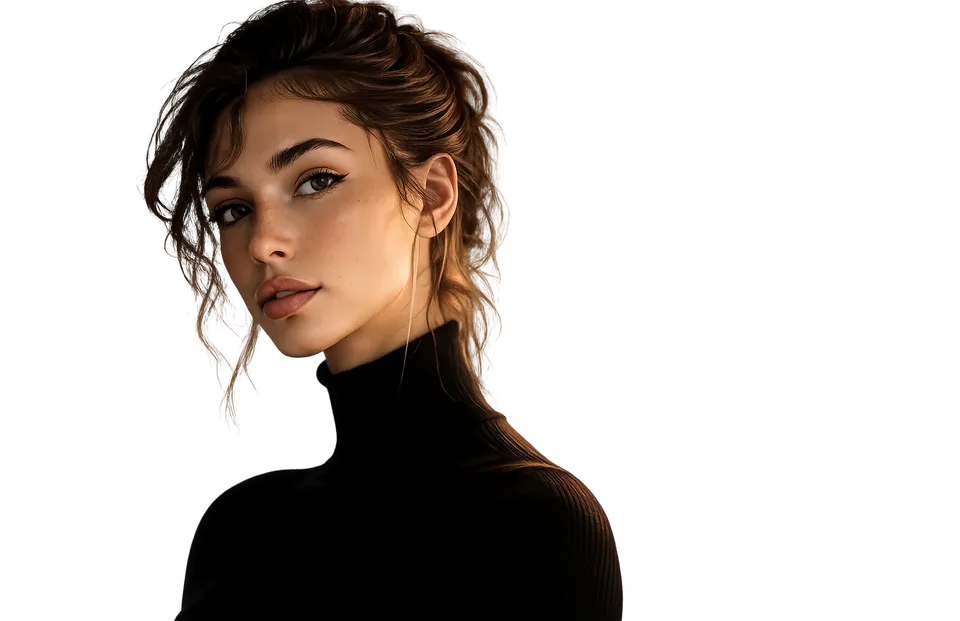
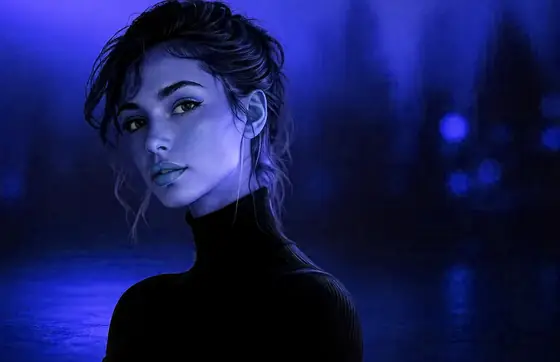
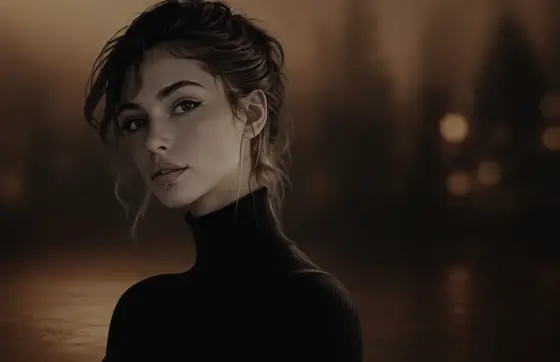
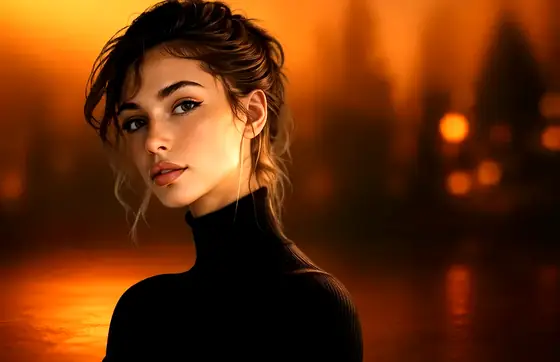
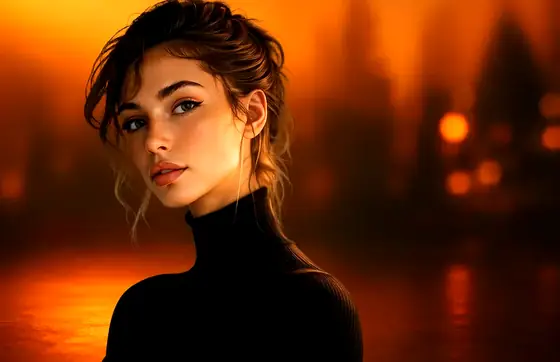
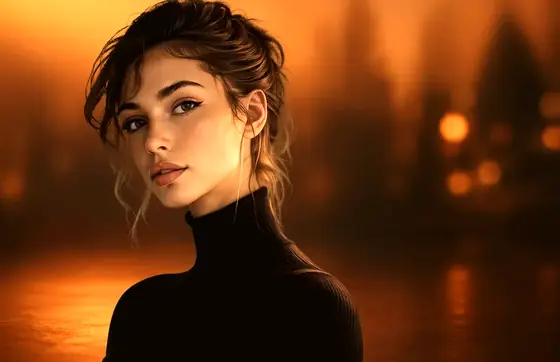
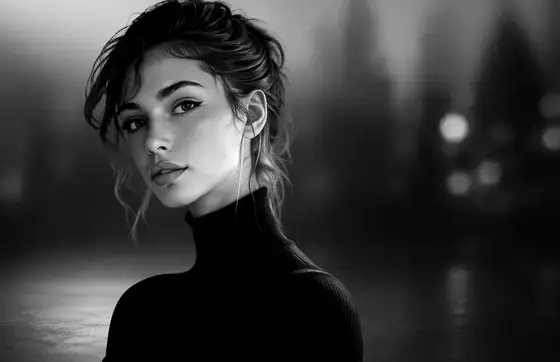
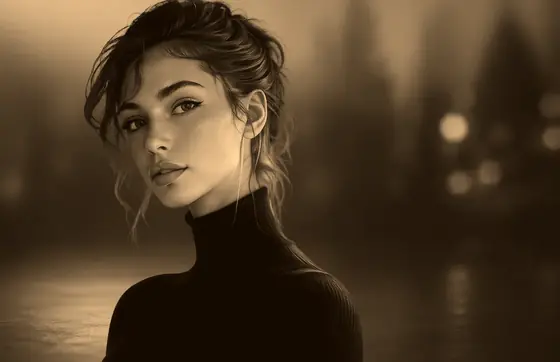

 Low · colour
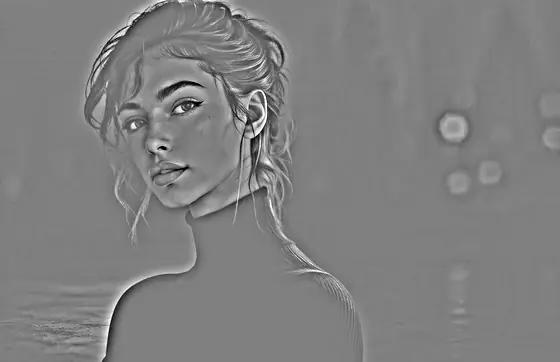 High · detail